Automatic invoice processing: how OCR and AI work and why 62% of Czech companies still do it by hand
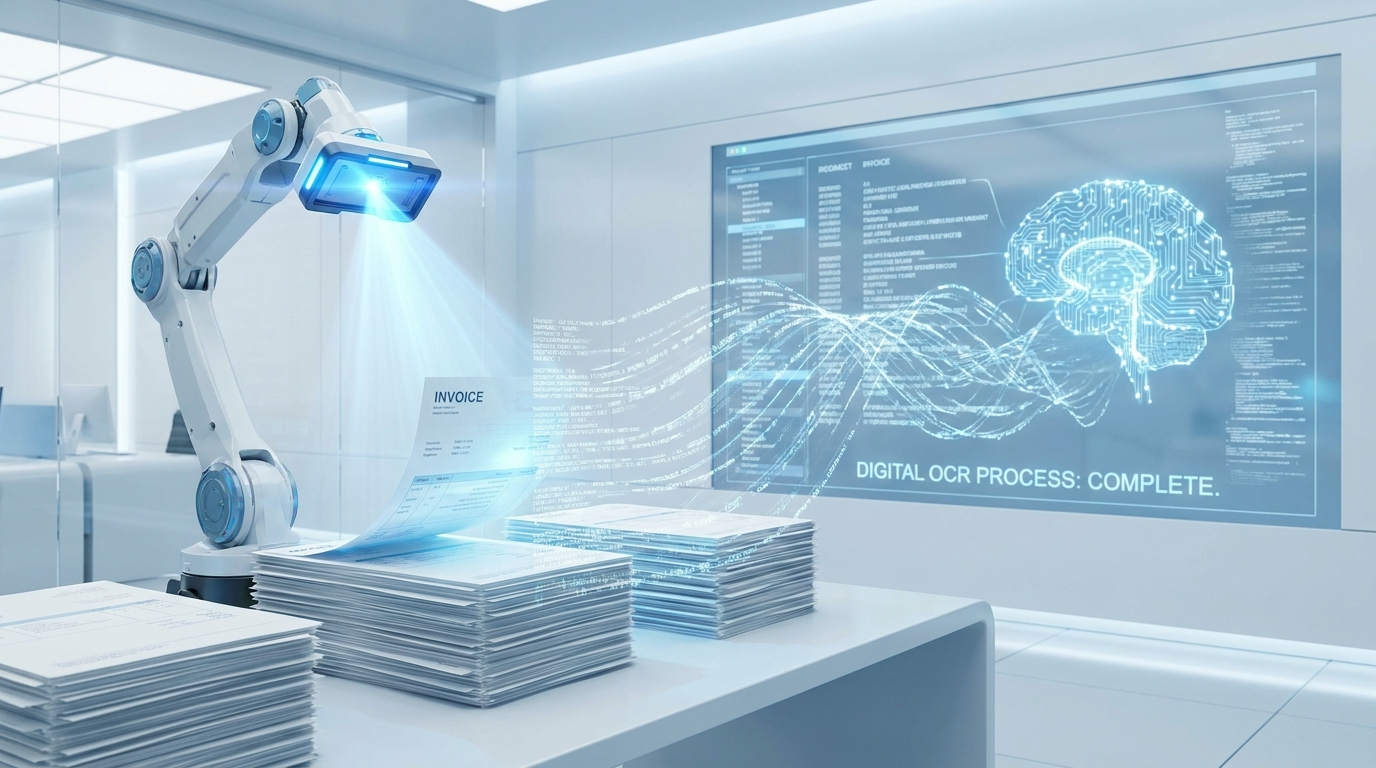
An accountant at one of our clients was processing around 200 received invoices every month. She opened each one, typed the data into the accounting system and saved it. An average of 3 minutes per invoice. Six working hours a month spent entirely on transcribing numbers that were already printed on paper or in a PDF. Today it all runs automatically.
Why 62% of companies still do it by hand
Research shows that more than half of Czech companies have not yet automated the processing of received invoices. The main reasons are three: the belief that automation is complex and expensive, fear of errors in accounting and not knowing what solutions actually exist.
Yet available solutions today are sophisticated enough to read invoices from PDFs, email attachments and scanned paper documents, with accuracy that exceeds manual transcription for standard invoices.
How the whole process works
Receiving and recognising the document
Invoices arrive by email as PDFs or attachments. The system automatically captures them from a designated mailbox or folder, identifies that it is an invoice and passes it for further processing. Paper invoices can be processed by scanning or photographing with a mobile phone.
OCR and data extraction
OCR (optical character recognition) reads the text from the document. AI adds structural understanding on top: it recognises which number is the invoice number, which is the supplier tax ID, which line is the tax base and which is VAT. Unlike older OCR systems, modern AI handles this even for non-standard invoice layouts or varying field positions.
Validation and posting
Extracted data is automatically verified against the supplier database in CRM or the accounting system. If everything matches, the invoice is posted automatically. If there is a discrepancy (unknown supplier, amount outside the usual range, missing field), the system alerts the accountant who checks that invoice manually.
What it actually delivers
For the client mentioned with 200 invoices a month, 85% of invoices are now processed automatically without any manual intervention. The remaining 15% are exceptions, non-standard formats or new suppliers that the accountant checks. The total time spent on invoice processing dropped from 6 hours to less than 1 hour per month.
But the benefit goes further: an invoice received on Friday afternoon is posted by Monday morning automatically, regardless of whether the accountant is in the office. Error rates dropped to near zero, because manual transcription is the source of most accounting errors.
What it costs and how to deploy it
Deploying basic invoice automation for a company with up to 500 invoices a month costs roughly the equivalent of one to two months of an accountant's salary. Return on investment is typically within four months. For higher volumes pricing is individual, but the ratio shifts further in favour of automation with every additional invoice.
Deployment happens in two phases: connecting to the email mailbox and setting up extraction rules, then integrating with the accounting system (Pohoda, ABRA, Money S3 and others). The entire project from start to live production typically takes three to four weeks.
Want to know how many of your invoices could be automated? Book a free audit. We will go through your current process, the connection to your accounting system and prepare a specific proposal with a cost and savings estimate.
Recommended articles

From August 2026 your AI voicebot must admit it is a robot. What it means for small businesses
Since 2 August 2026 the AI Act transparency rules apply. Both chatbots and phone voicebots must tell the customer they are not human. Here is what it means in practice and what to fix in one afternoon.
Read article
ChatGPT for business: a practical guide 2026
Most businesses tried ChatGPT and were disappointed. The problem is not the tool. It is how they use it. Here is how to do it right.
Read article
AI agents in business: what they will handle for teams in 2026
An AI agent is not just a chatbot. It can work with tools, data and tasks. For companies, that means a new layer of automation.
Read article